

Buy your Install-Kit
$9 once for one app. Both platforms included.
 PWA InstallKit
PWA installation guide generator
Turn your app URL into branded iPhone and Android installation guides. Eight PNGs, ready for your onboarding.
One-time payment · No subscription
Works on iOS & AndroidClear, illustrated steps
Branded for your appYour name, icon and color
Ready to sharePNG images in one ZIP
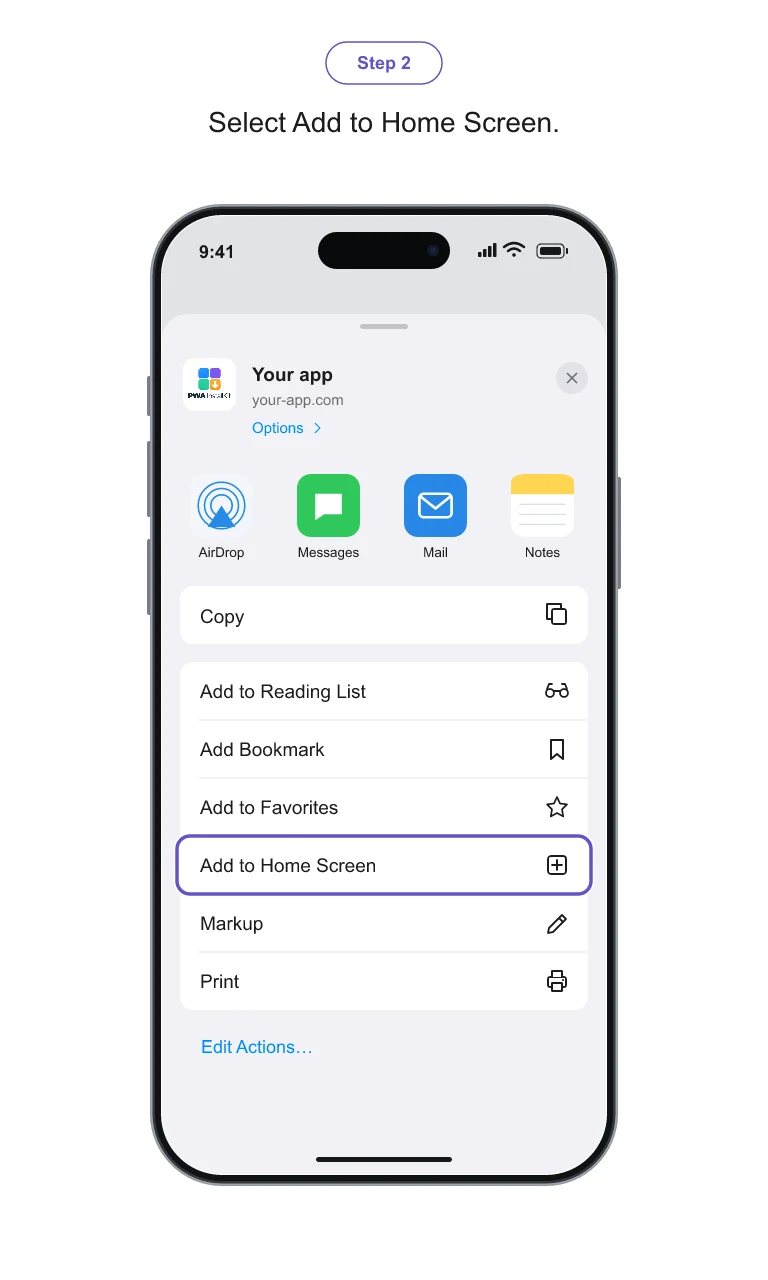
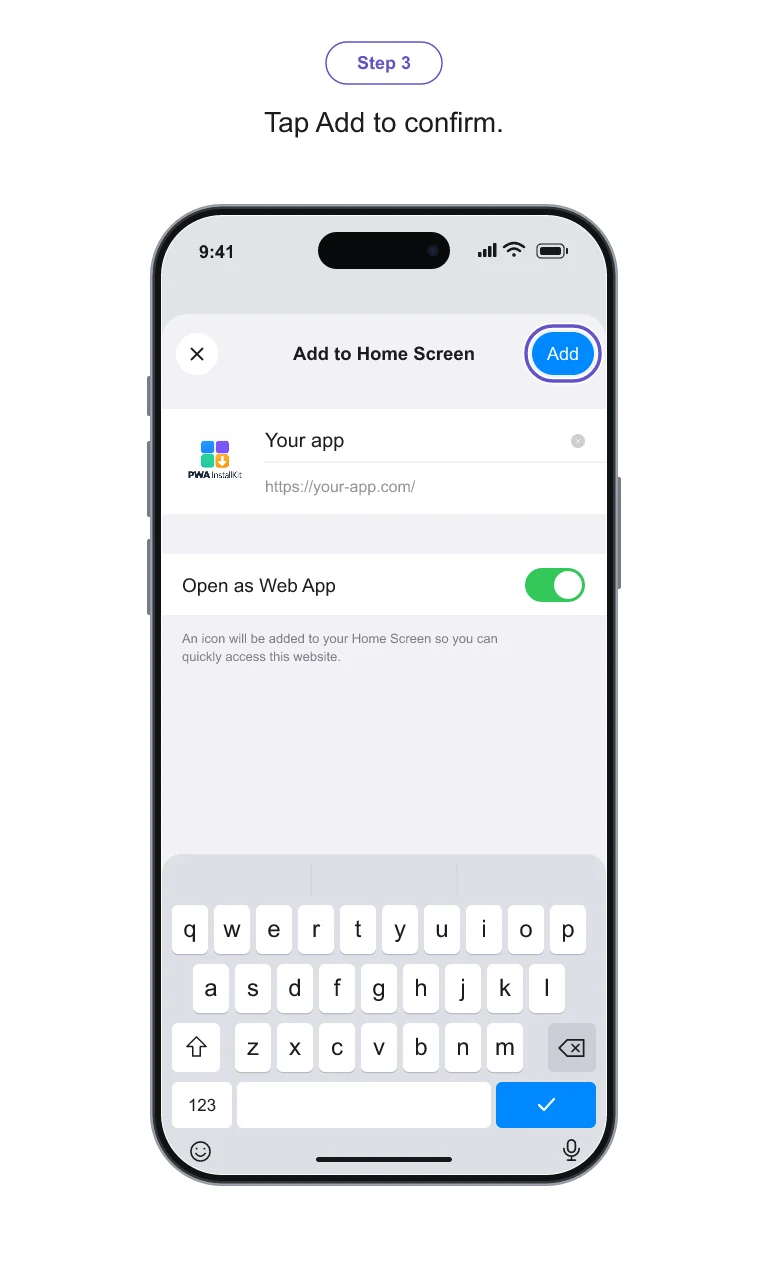
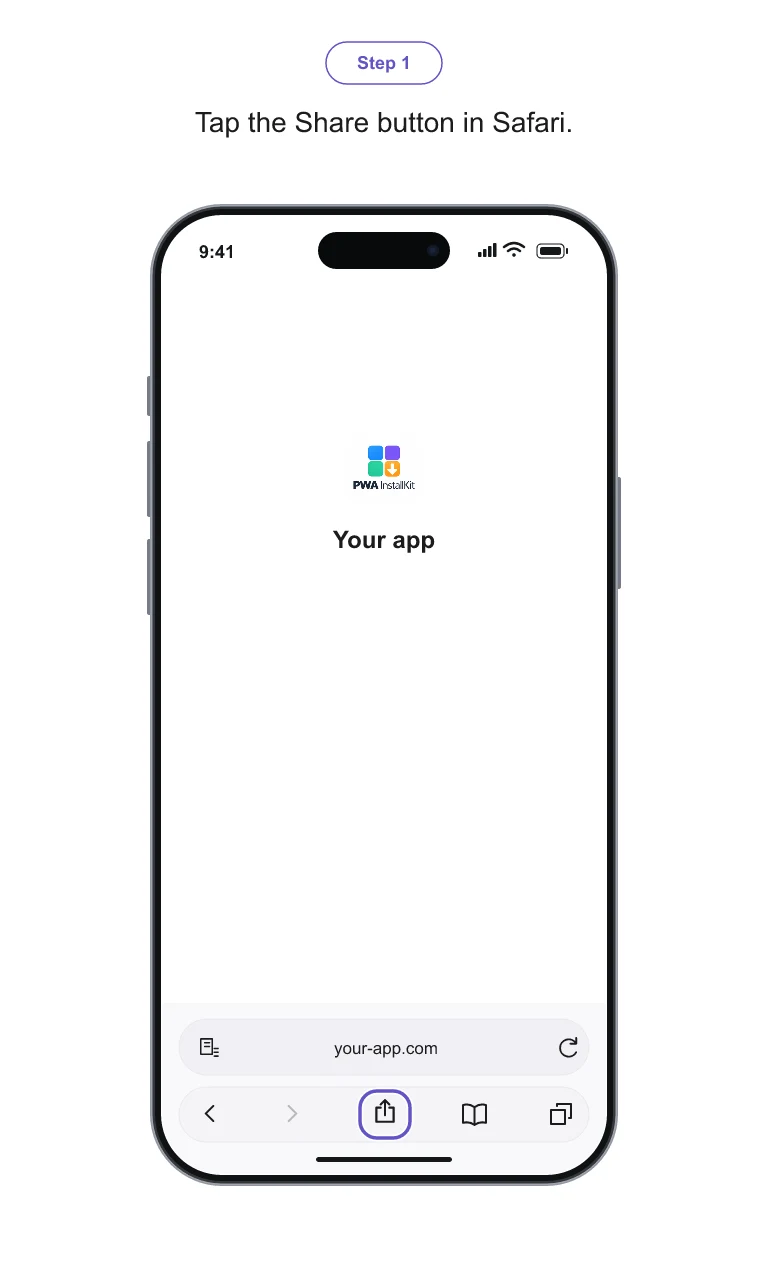
In three simple steps
$9 once for one app. Both platforms included.
We find your app’s name, icons and color. Fine-tune the branding in the live preview.
Export your eight PNG images as a ZIP and add them to your onboarding.
A clear path from your app URL to the Home Screen.
Tap the Share button in Safari.
Select Add to Home Screen.
Tap Add to confirm.
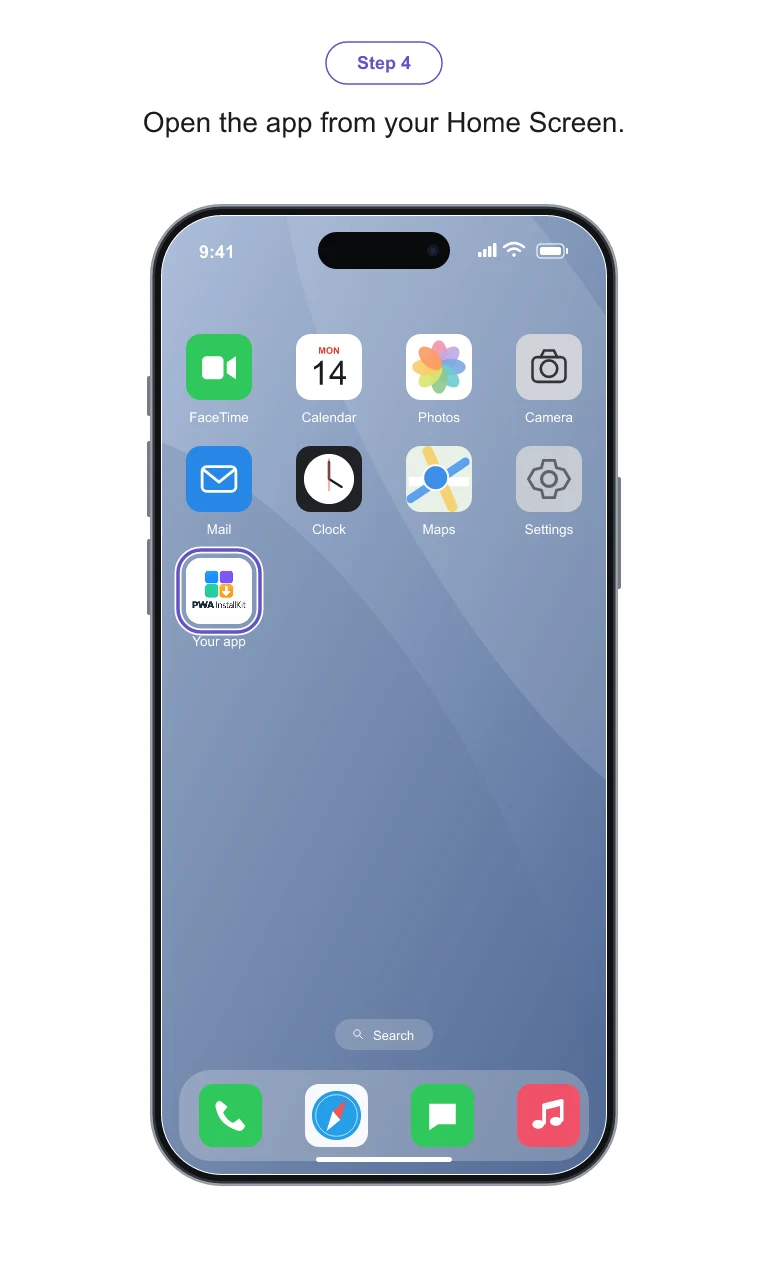
Open the app from your Home Screen.
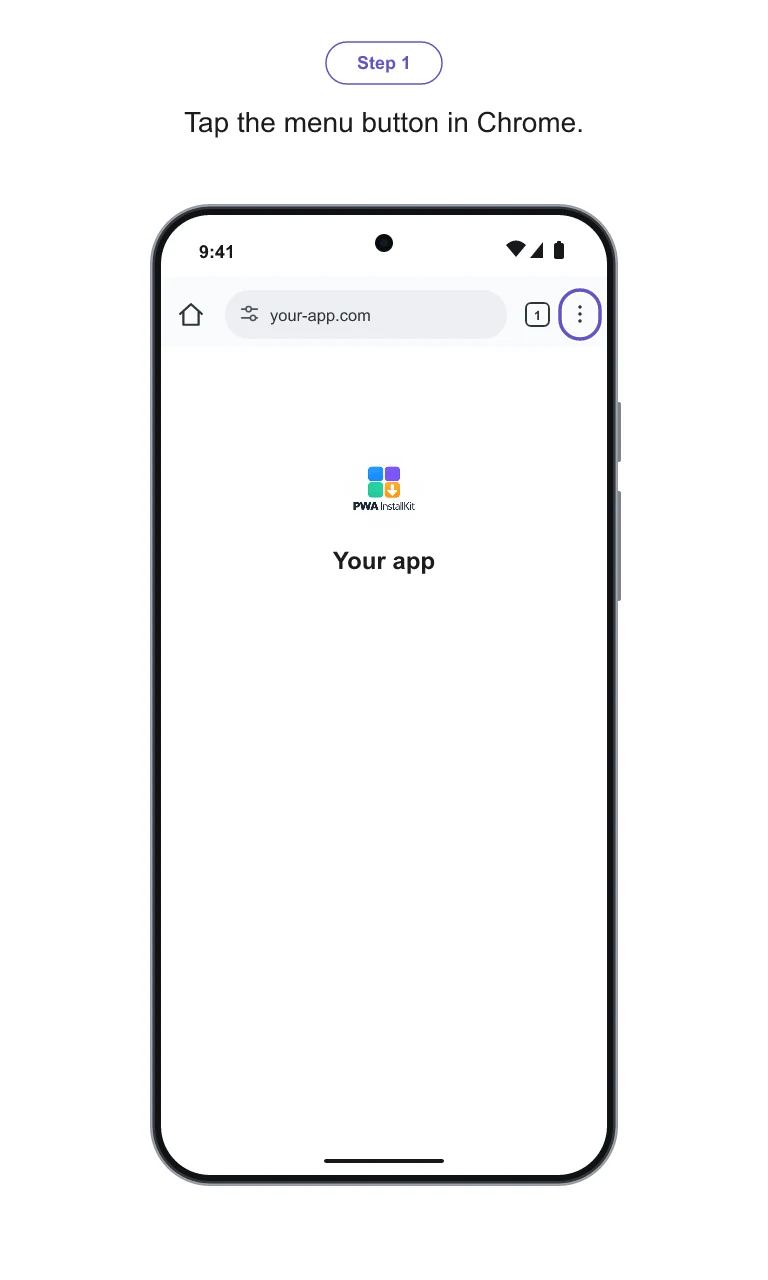
Open the menu in Chrome.
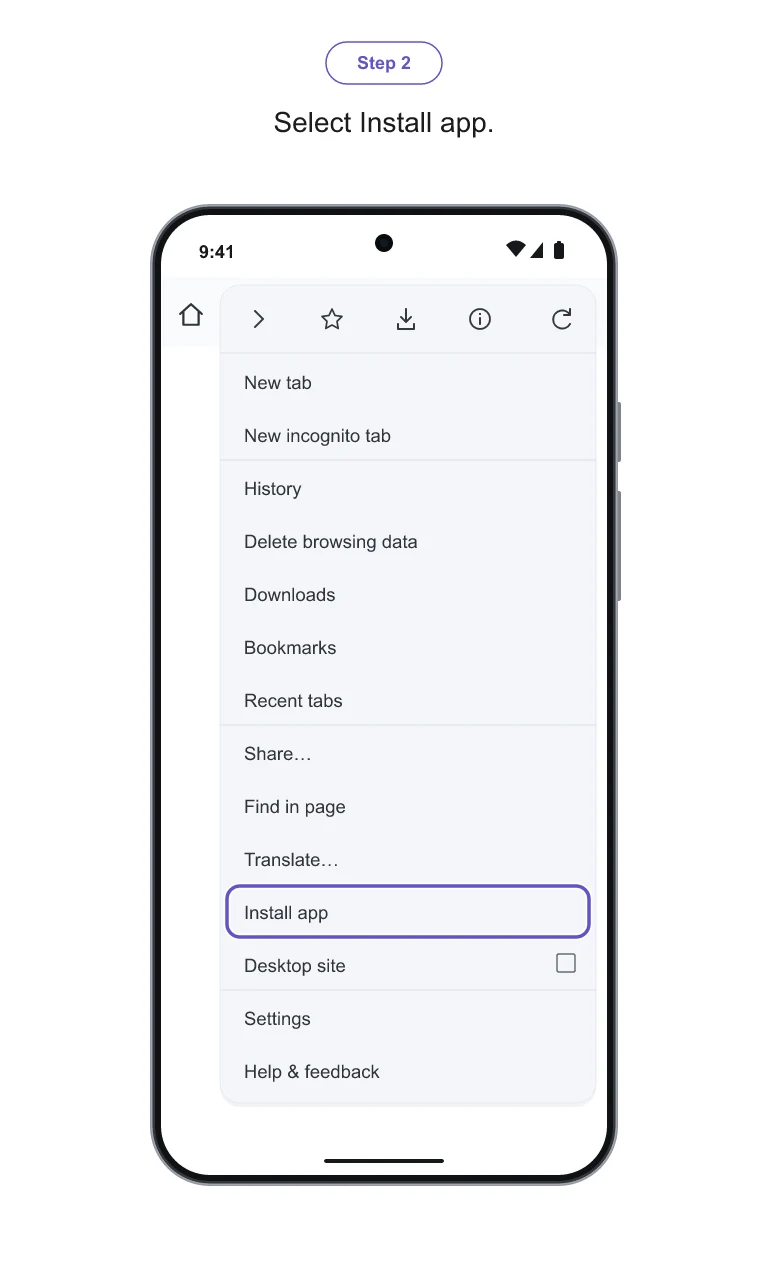
Select Install app.
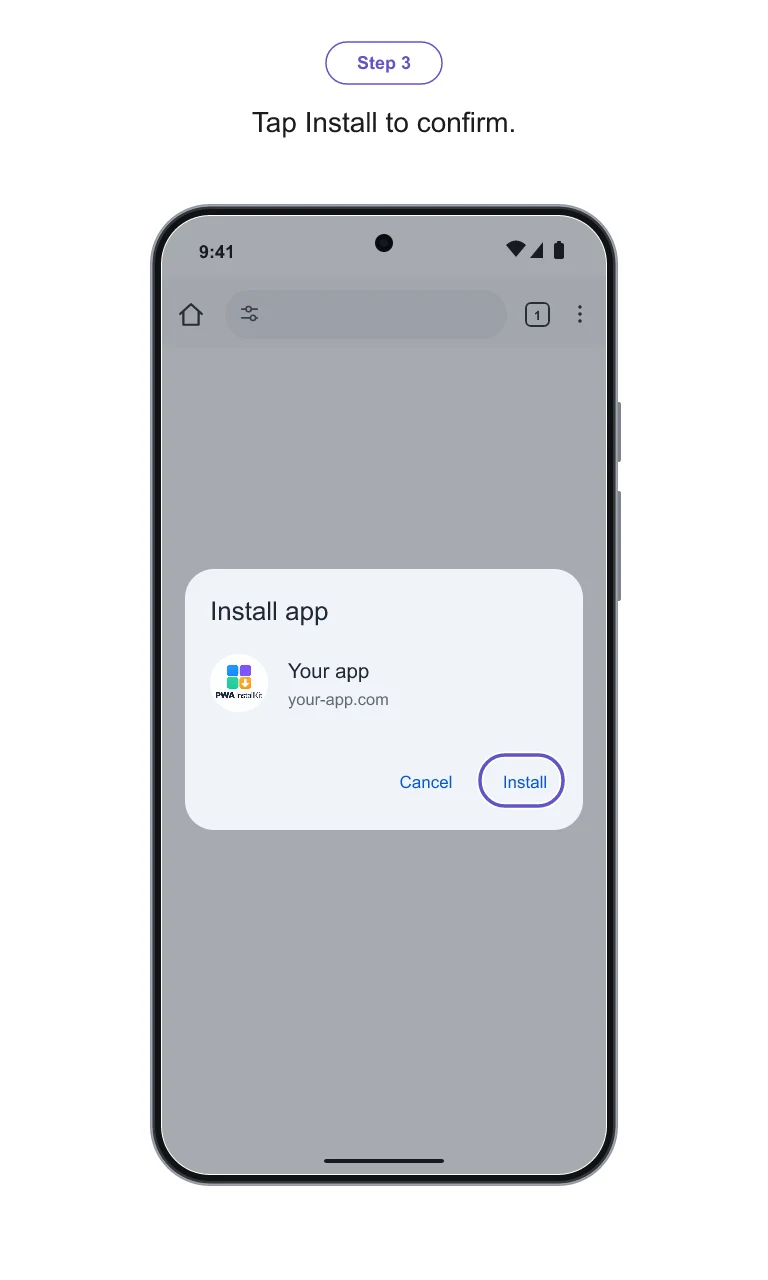
Confirm the installation.
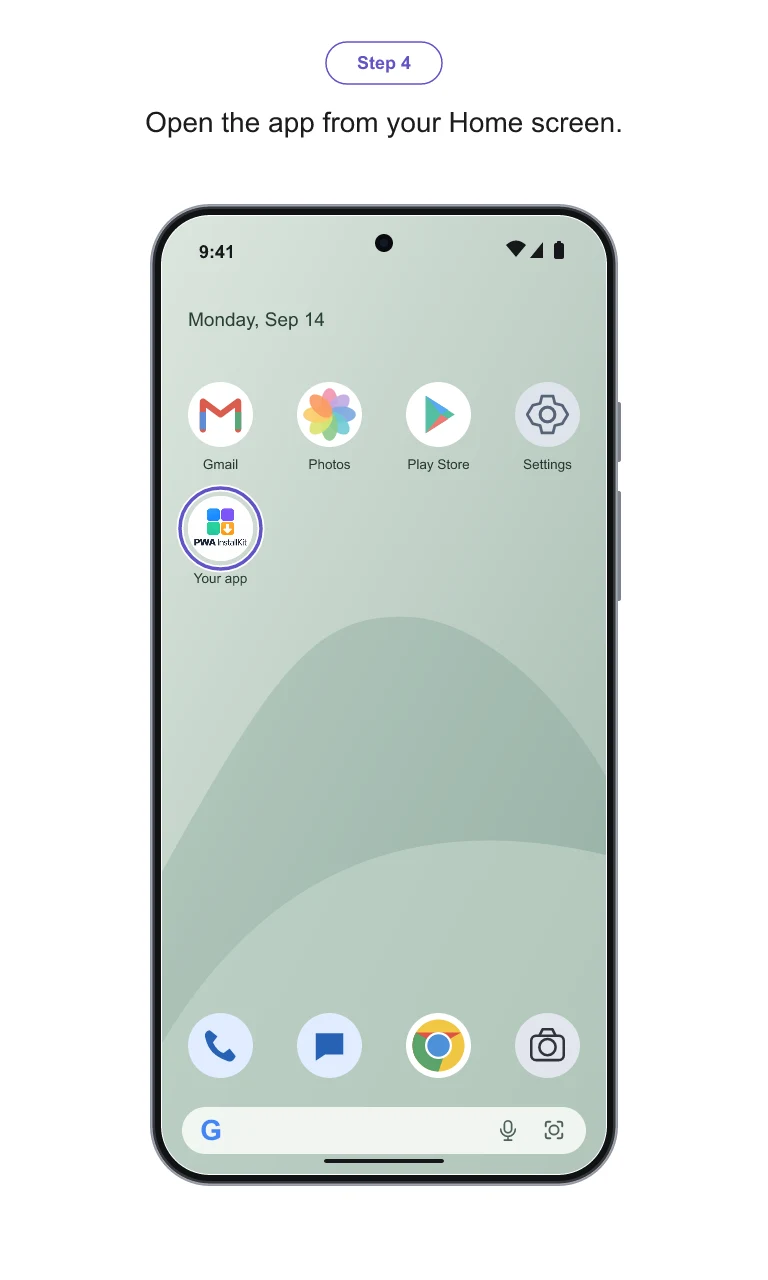
Open the app from your Home Screen.
How to create installation instructions for your users
Installation is different on iPhone and Android. Generic instructions don’t match your brand, and explaining every step manually takes time.
Give your users one consistent, illustrated guide you can send, add to your website or include in onboarding.
Simple pricing
One-time payment. No subscription.
30 days to edit and regenerate.
No. InstallKit creates branded installation instructions. Your website must already support installation as a PWA.
Each guide includes four steps for iPhone with Safari and four for Android with Chrome.
No. We use illustrated templates and apply your app’s name, icon and accent color. These are branded illustrations, not screenshots of your full website.
Yes. You can correct the app name, visible address, icons and accent color before exporting. Branding changes and regeneration for the same app are included for 30 days from guide creation.
Eight PNG images at 768 × 1280 pixels, available individually and together in a ZIP. Both platforms are included.
No. The price is $9 per Install-Kit, including the iPhone and Android guides for one app. Downloaded files are yours to use permanently; the purchase includes a 30-day editing window.
One Install-Kit. Both platforms. $9 once, with 30 days to edit from guide creation.